
 MOVEMENT & WORKPLACE AWARENESS
Speed & Distance Analytics
Estimate walking speed and distances between people.
Estimate walking or running speed and the distance to the nearest visible person in a calibrated camera view. Set speed and minimum-distance thresholds, review the overlays and pass relevant events to your operational workflow.
Deployment with on-site calibration
Axis · Speed & Distance MonitoringExample values3.2 m
HOW IT WORKS
Person · 4.7 km/hPerson
- Speed · example
- 4.7 km/h
- Distance · example
- 3.2 m
Speed and person-to-person distance in one view
Calibrate the ground plane, track people and estimate speed and distance to the nearest tracked person. Values shown here are illustrative.
- Calibrate metres
- Track movement
- Measure & alert
PURPOSE-BUILT CAPABILITIES
What the application does.
Choose the detection settings and events that fit your camera view and operation.
Tracking of heads or people in supported ARTPEC-9 profiles
Speed estimates displayed in m/s, km/h or mph
Ground-plane distance in metres to the nearest tracked person currently in view
Configurable speed and minimum-distance thresholds with corresponding events
Visual calibration tools and colour-coded status overlays for setup and review
THE REAL APPLICATION INTERFACE
Actual UIInside the application.
Explore the application controls with example settings. Select a screenshot to enlarge it.
Set up movement analytics
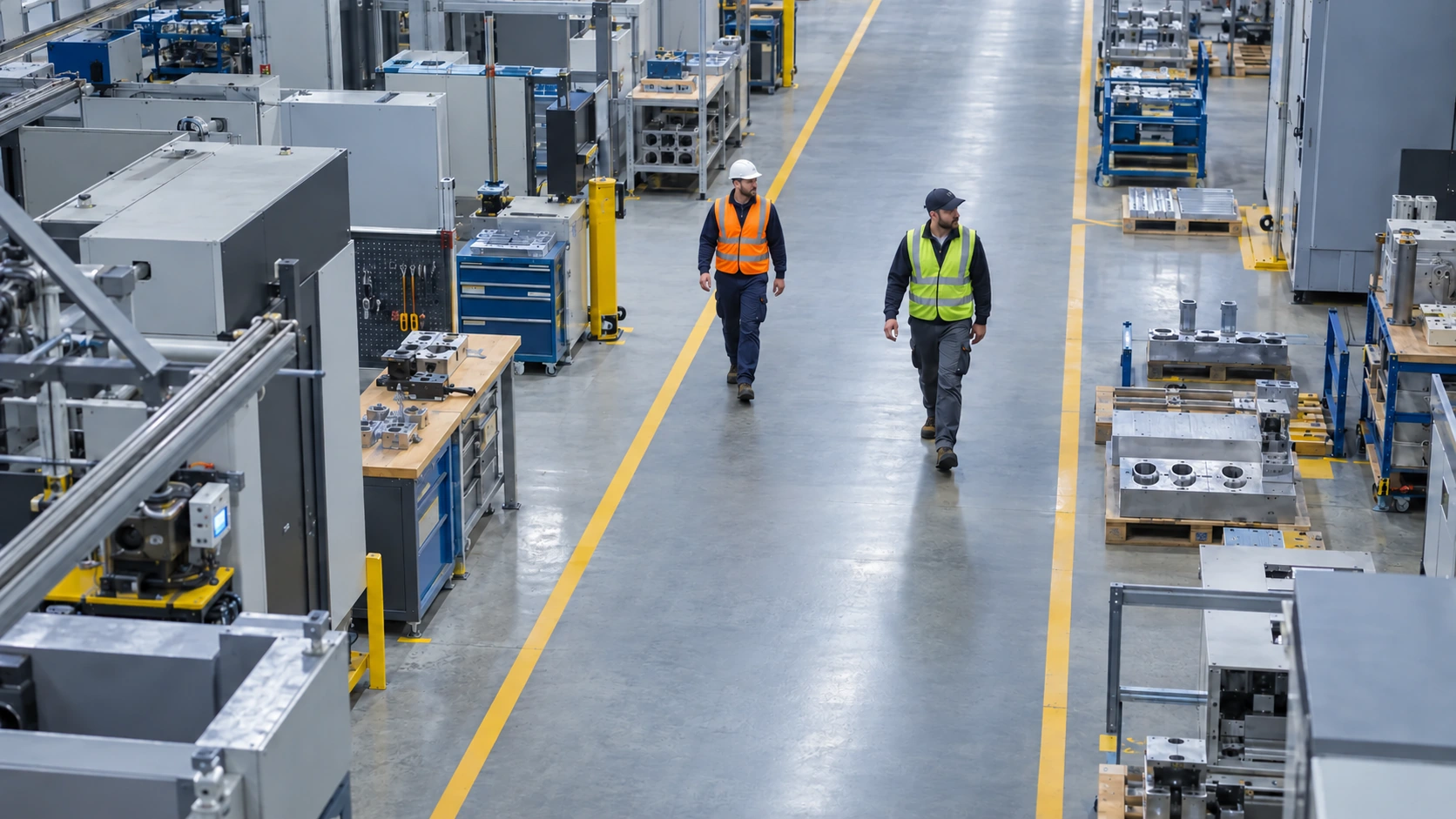
Actual Axis Speed & Distance settings interface with demonstration parameters and a generated scene of two workers. The view illustrates setup; it contains no real speed or distance measurement.
Application screens are shown in English. Demonstration settings do not represent operational measurements.
HOW IT WORKS
From setup to everyday use.
01
Calibrate the ground plane
Mark four corresponding points in the image and define the known ground-plane dimensions in metres. Check the calibration over the area you intend to monitor.
02
Track people and separation
Choose the supported head or person target. Review speed estimates and separation from the nearest tracked person in view.
03
Set and validate thresholds
Configure the speed and minimum-distance rules, compare estimates with a reference measurement and verify event delivery.
Supported cameras and requirements.
- Selected Axis ARTPEC-9 cameras with a matching head/person detection profile.
- Requires fixed camera placement and a suitable, calibrated ground plane. The current profile is for people, not a qualified vehicle-speed detector.
- Head-based measurement estimates ground contact from head size. Viewpoint and scene geometry affect the result.
- Accuracy must be established at the individual site. The application is not a certified speed-measurement or enforcement system.
INSTALLATION & SETUP
How to get started.
Confirm the monitored pedestrian area, camera placement and operational thresholds.
Calibrate four image/world points using known ground-plane dimensions in metres.
Compare walking or running speeds and nearest-person distances with independent references under representative conditions.
Verify events and repeat calibration after changes to camera position, zoom or monitored geometry.
FAQ
Questions before you start.
Send us your camera model and intended use. We’ll help you check compatibility and plan a trial.
Which distance does the application report?
It estimates separation on the calibrated ground plane to the nearest tracked person currently in view. It is not a depth sensor or a general ruler between any two image points.
Which speed units can I use?
The interface supports metres per second (m/s), kilometres per hour (km/h) and miles per hour (mph). Distance thresholds use metres.
Is this a certified speed measurement system?
No. It provides calibrated video estimates for operational awareness. Any required accuracy must be established for the individual site.
What happens if the camera moves?
Perspective calibration can become invalid. Recheck and recalibrate after changes to position, zoom or the monitored geometry.
Find the right app for your camera.
Tell us about your camera, your environment and the result you need.