
 AXIS CAMERA APPLICATION · CODE READING
QR & Barcode Reader
Read labels directly from your camera.
Read visible labels with a supported Axis camera and send the decoded values to your systems. The QR & Barcode Reader ACAP supports identification tasks in logistics, check-in and goods handling.
Axis · QR & Barcode Reader
HOW IT WORKS
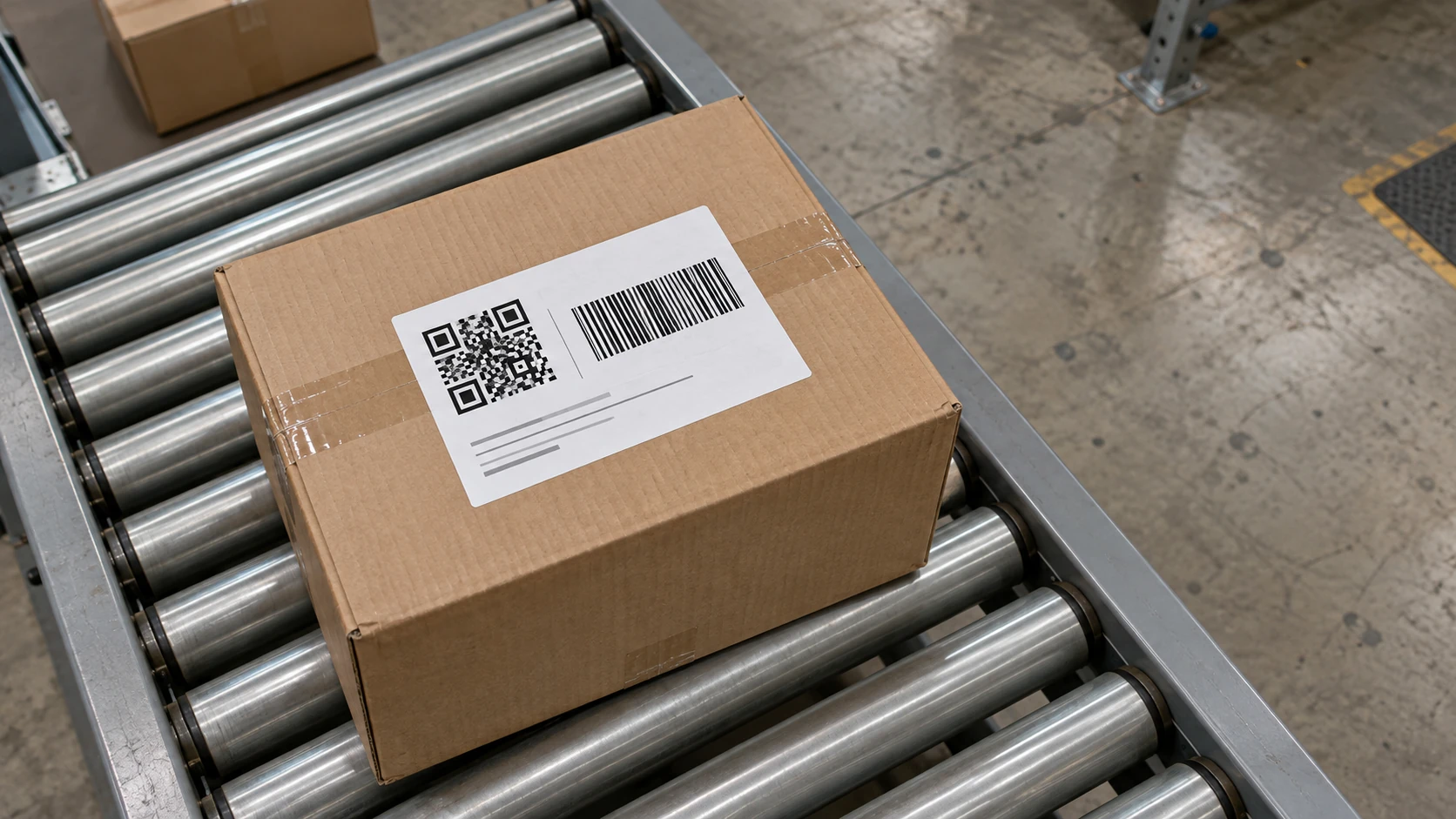
QR codeBarcode
Read codes and send the results to your system
Define a reading region, locate a label, and pass the decoded value into your workflow.
- Select the region
- Find the codes
- Read and send
PURPOSE-BUILT CAPABILITIES
What the application does.
Choose the detection settings and events that fit your camera view and operation.
Configurable reading regions, formats and size filters
Tracking to maintain label context in the camera view
Decoded values in overlays and supported event outputs
Camera-local processing in the Axis application
HOW IT WORKS
From setup to everyday use.
01
Frame the reading point
Position the camera so labels appear clear, sharp and large enough to read.
02
Decode the label
Configure the relevant formats and region for the actual label sizes and movement.
03
Connect the result
Send the decoded value to a compatible system or business application.
Supported cameras and requirements.
- Selected Axis ARTPEC-8 and ARTPEC-9 cameras with the matching QR & Barcode Reader ACAP.
- A dedicated Ambarella CV25 profile is available for selected Axis intercoms. Confirm the exact model and firmware; intercom validation does not cover every CV25 camera.
- Validate formats, optical detail, exposure and motion against the exact release package.
- Code size in pixels and time in view determine the conditions in which codes can be read.
INSTALLATION & SETUP
How to get started.
Provide the camera model and firmware, label formats, example sizes and movement.
Obtain the approved package and camera-bound activation for the selected profile.
Configure the reading region, format selection and downstream receiver.
Test actual labels, crossings, re-entry, lighting and maximum expected movement.
FAQ
Questions before you start.
Send us your camera model and intended use. We’ll help you check compatibility and plan a trial.
Does QR & Barcode Reader support CV25?
There is a separate CV25 intercom profile. We check your model, firmware, label formats and required outputs before supplying it. Use the matching package rather than an ARTPEC build.
Which code formats can I evaluate?
Supported profiles read QR, one-dimensional barcodes and Data Matrix. Share representative labels so that format, size and motion can be checked on the selected release.
Can the camera read moving labels?
Reading depends on focus, exposure, code size and time in view. We test the intended camera position and movement using representative labels.
Can decoded values be sent to my business system?
The application makes decoded values available through its supported outputs. We can design and test the integration with your business system.
Find the right app for your camera.
Tell us about your camera, your environment and the result you need.