
 HANWHA CAMERA APPLICATION · ENGINEERING PREVIEW
Code Vision
Read the label. Keep its context.
Try reading fourteen code-format families on a Hanwha WN9 camera. Code Vision tracks each physical label separately, confirms readings across two captured frames and provides searchable history and structured outputs for your business system. It is available as an engineering preview.
Hanwha engineering preview
Hanwha · Code Vision
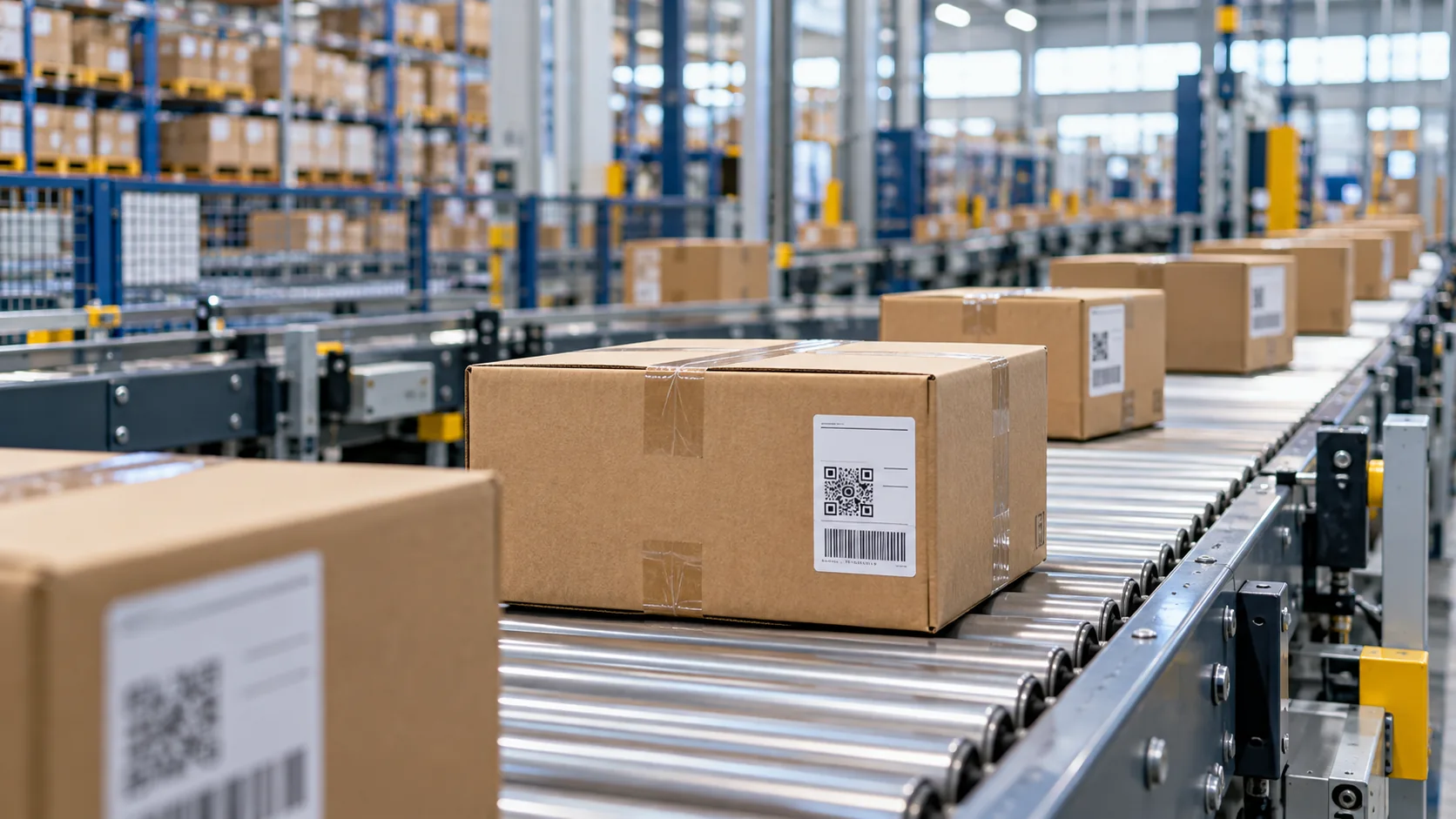
HOW IT WORKS
QR codeBarcode
Read codes and send the results to your system
Define a reading region, locate a label, and pass the decoded value into your workflow.
- Select the region
- Find the codes
- Read and send
PURPOSE-BUILT CAPABILITIES
What the application does.
Choose the detection settings and events that fit your camera view and operation.
Preview tracking for up to ten independent physical labels, including labels with identical values
Read confirmation from matching code data on two distinct captured frames
Editable reading regions with up to 16 polygon points and configurable label-size limits
Searchable local read history with pagination, retention settings and exact-payload export
Live label tracks, read states and delivery status for evaluation
Hanwha events, ONVIF / RTSP records and configurable HTTPS delivery with persistent identifiers
THE REAL APPLICATION INTERFACE
Actual UIInside the application.
Explore the application controls with example settings. Select a screenshot to enlarge it.
Choose formats and keep useful records
Actual Code Vision Reading settings interface with demonstration values. Select code formats and history retention in the engineering preview. Production acceptance remains incomplete.
Application screens are shown in English. Demonstration settings do not represent operational measurements.
HOW IT WORKS
From setup to everyday use.
01
Prepare the reading point
Choose the code formats, draw the reading region and check that moving labels remain sharp and large enough in the WN9 camera view.
02
Follow each physical label
Review separate label tracks and the confirmed values in searchable history. Test identical codes, crossings and returns to the reading region.
03
Connect and verify delivery
Compare the exact payload with your source labels and use delivery identifiers to handle repeated deliveries in the receiving system.
Supported cameras and requirements.
- Hanwha WN9 Open Platform engineering preview.
- We agree the camera model, firmware, package and evaluation scope before testing.
- Production release qualification, signed licence acceptance and longer-running validation are still in progress.
INSTALLATION & SETUP
How to get started.
Share the WN9 camera model, firmware, label examples and integration requirements.
Agree a Code Vision preview evaluation and its scope with peoly.
Set up the agreed package, reading regions and receiving endpoint.
Test repeated labels, crossing paths, re-entry, image conditions and delivery before defining production acceptance.
FAQ
Questions before you start.
Send us your camera model and intended use. We’ll help you check compatibility and plan a trial.
Is Code Vision ready for unrestricted production use?
No. Code Vision is an engineering preview offered for a scoped evaluation. Camera acceptance, signed licensing and longer-running validation remain in progress.
Which code formats can I evaluate?
The preview offers QR Code, Micro QR, Data Matrix, Code 128 / GS1-128, EAN-13, EAN-8, UPC-A, UPC-E, Code 39, Code 93, ITF, Codabar, PDF417 and Aztec. Reading suitability must be tested with your labels, lighting and movement.
How does read confirmation work?
Code data must match across two distinct captured frames, including payload bytes, symbology and identifier. Physical labels are tracked separately, including labels with the same value. Crossings, re-entry and missed or duplicate events still need validation in your scene.
Can I download an automatic trial today?
Automatic Code Vision trials remain disabled. Contact us to agree the camera, package and evaluation scope.
Find the right app for your camera.
Tell us about your camera, your environment and the result you need.