
 AXIS CAMERA APPLICATION · WORKPLACE SAFETY
PPE Detection
A clearer view of workplace safety.
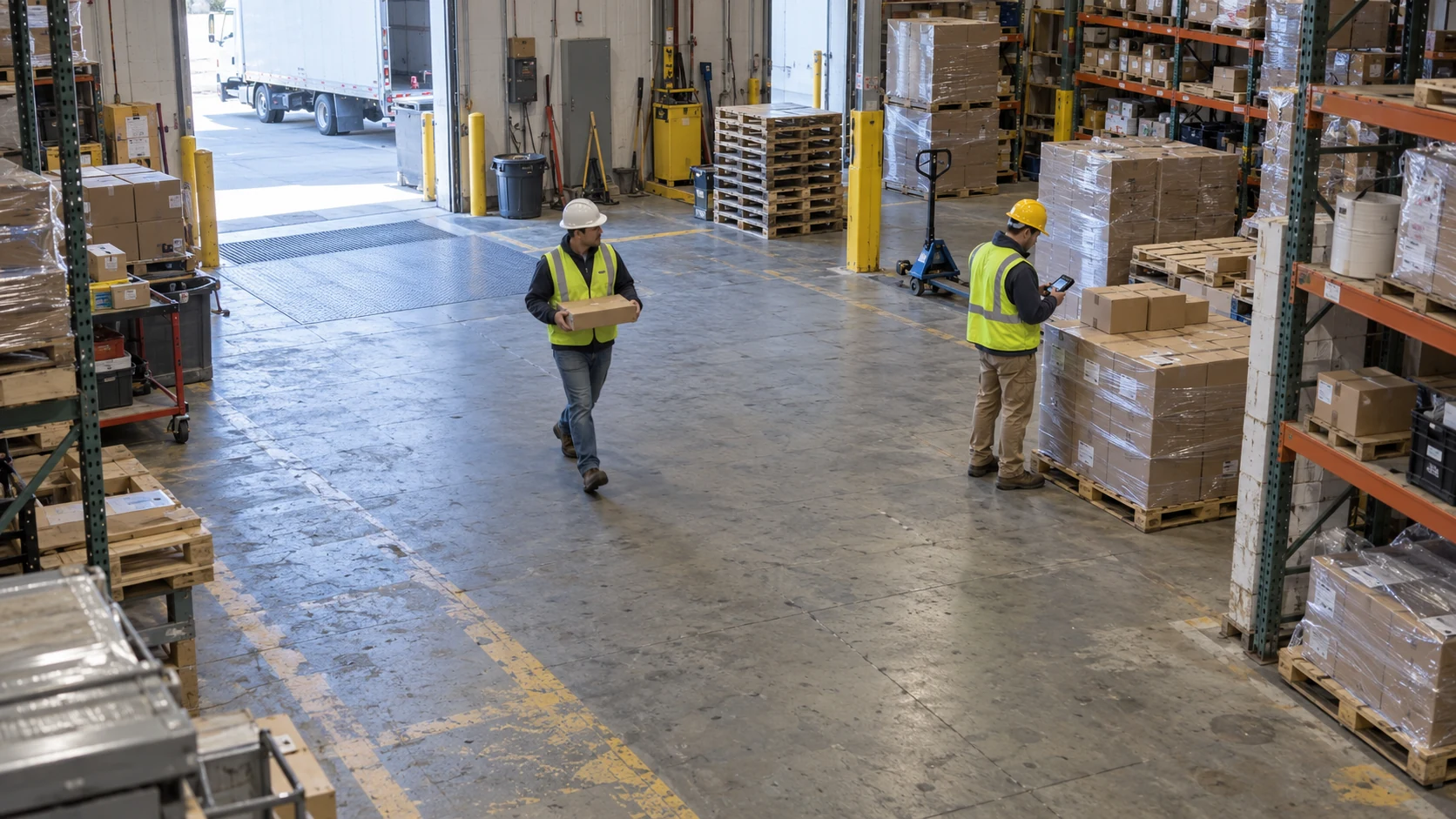
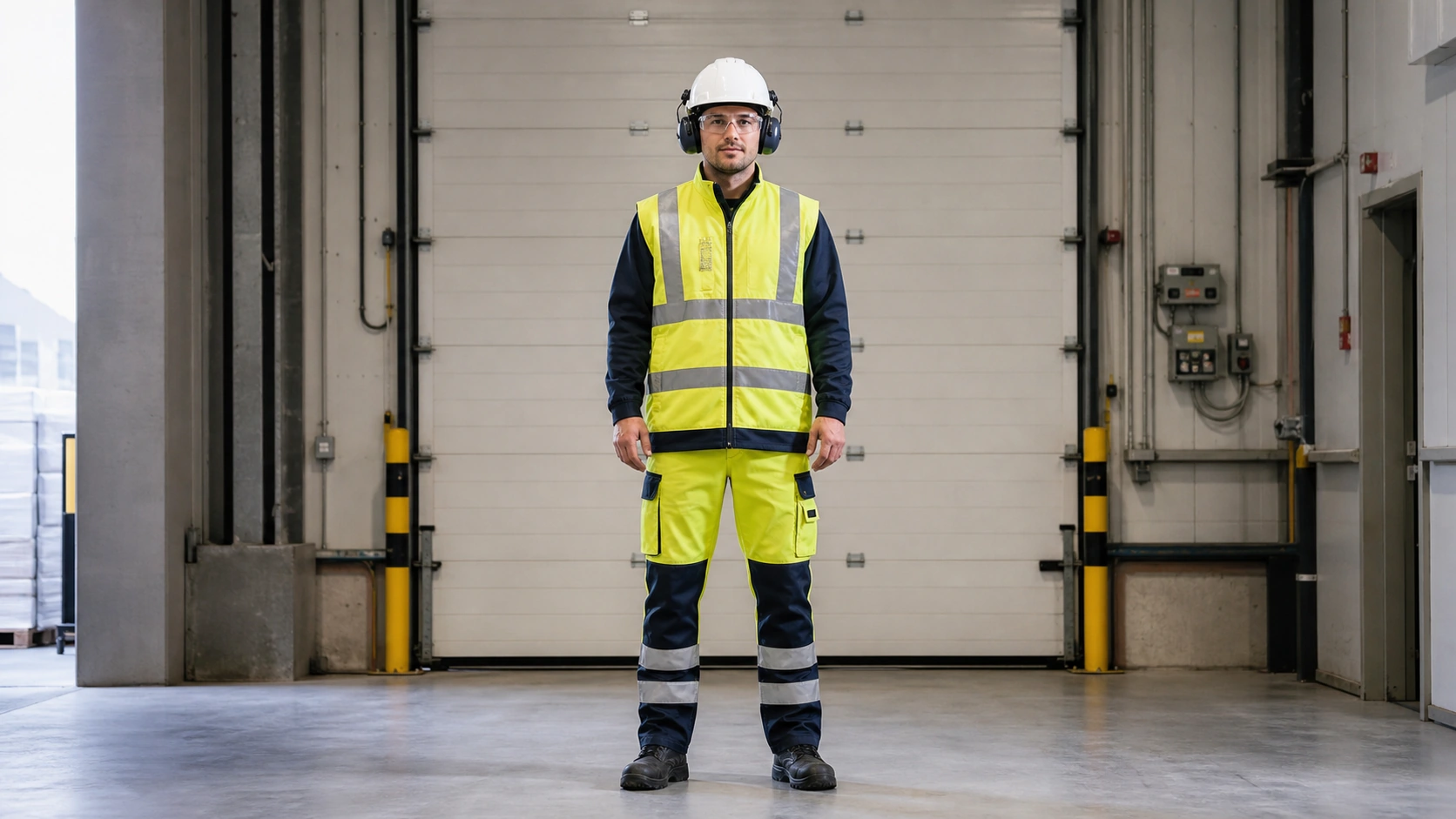
Monitor helmets and reflective clothing with colour-coded status overlays on a supported Axis camera. The ARTPEC-8 Indoor profile also detects protective glasses and earmuffs. Choose the camera profile and PPE rules that fit your workplace, then review the resulting events.
Axis · Universal profiles
HOW IT WORKS
PersonHelmetReflective vest
People, helmets and reflective vests identified
Detect people, helmets and reflective clothing in the camera view.
- Find people
- Check equipment
- Review the result
PURPOSE-BUILT CAPABILITIES
What the application does.
Choose the detection settings and events that fit your camera view and operation.
Protective glasses and earmuff detection in the ARTPEC-8 Indoor profile
PPE observations linked to each person, with adjustable sensitivity, regions and alarm timing
Colour-coded equipment status and alarm countdowns in the camera view
Local event review, summaries, charts and CSV export in the PPE dashboard
Analysis on the Axis camera with events for compatible operational systems
THE REAL APPLICATION INTERFACE
Actual UIInside the application.
Explore the application controls with example settings. Select a screenshot to enlarge it.
Review PPE events in the dashboard
Actual Axis PPE Detection dashboard with synthetic demonstration records. The displayed 89% and other statistics are example values, not measured compliance or detection accuracy.
Application screens are shown in English. Demonstration settings do not represent operational measurements.
HOW IT WORKS
From setup to everyday use.
01
Choose the PPE profile
Match the camera and model profile to the required equipment. Use the ARTPEC-8 Indoor profile when protective glasses and earmuffs are part of the evaluation.
02
Configure the working area
Draw the regions, set equipment sensitivity and alarm timing, and check body visibility at actual working distances.
03
Review and respond
Use status overlays and event history to inspect observations, then route the relevant events to your team or VMS.
Supported cameras and requirements.
- Selected Axis ARTPEC-8 and ARTPEC-9 cameras with the matching ACAP package.
- The ARTPEC-8 Indoor profile includes direct detection of protective glasses and earmuffs, alongside helmets and reflective clothing.
- A8 Universal and the current A9 Universal profile use seven classes for people and the presence or absence of helmets, reflective torso clothing and reflective trousers. They do not include glasses or earmuffs.
- Camera model, firmware, distance, lighting and visibility of the relevant body regions are checked before evaluation.
INSTALLATION & SETUP
How to get started.
Share the camera model, firmware, serial number and required PPE policy.
Install the peoly-approved package for that exact compatibility profile.
Activate the camera-bound licence, then configure regions, rules and event destinations.
Test compliant and non-compliant scenarios at actual working distances before operational use.
FAQ
Questions before you start.
Send us your camera model and intended use. We’ll help you check compatibility and plan a trial.
Can PPE Detection detect protective glasses and earmuffs?
Yes, in the selectable ARTPEC-8 Indoor profile. These detections are not included in the current A8 Universal or A9 Universal profiles. We confirm the exact camera, package and equipment requirements before supplying an evaluation.
What do the overlay colours mean?
They describe equipment status: positive observations use green, missing-equipment indications use red and pending alarm countdowns use white. They do not estimate the physical colour of a helmet or vest.
Does video need to leave the camera?
Normal PPE analytics run on the Axis camera. Event delivery and evidence handling depend on your selected integration.
Can it replace workplace safety controls?
No. PPE observations support human review and do not replace protective equipment, supervision, machine guarding or safety interlocks.
Find the right app for your camera.
Tell us about your camera, your environment and the result you need.