
 PEOPLE & SPACES
Occupancy Monitor
See where attention is needed.
See how people use your waiting, service and staff areas. Occupancy Monitor tracks people through configured zones, reports occupancy and time spent there, and supports queue or capacity alerts for the team responsible for responding.
Evaluation for your camera profile
Axis · Occupancy Monitoring
HOW IT WORKS
Person
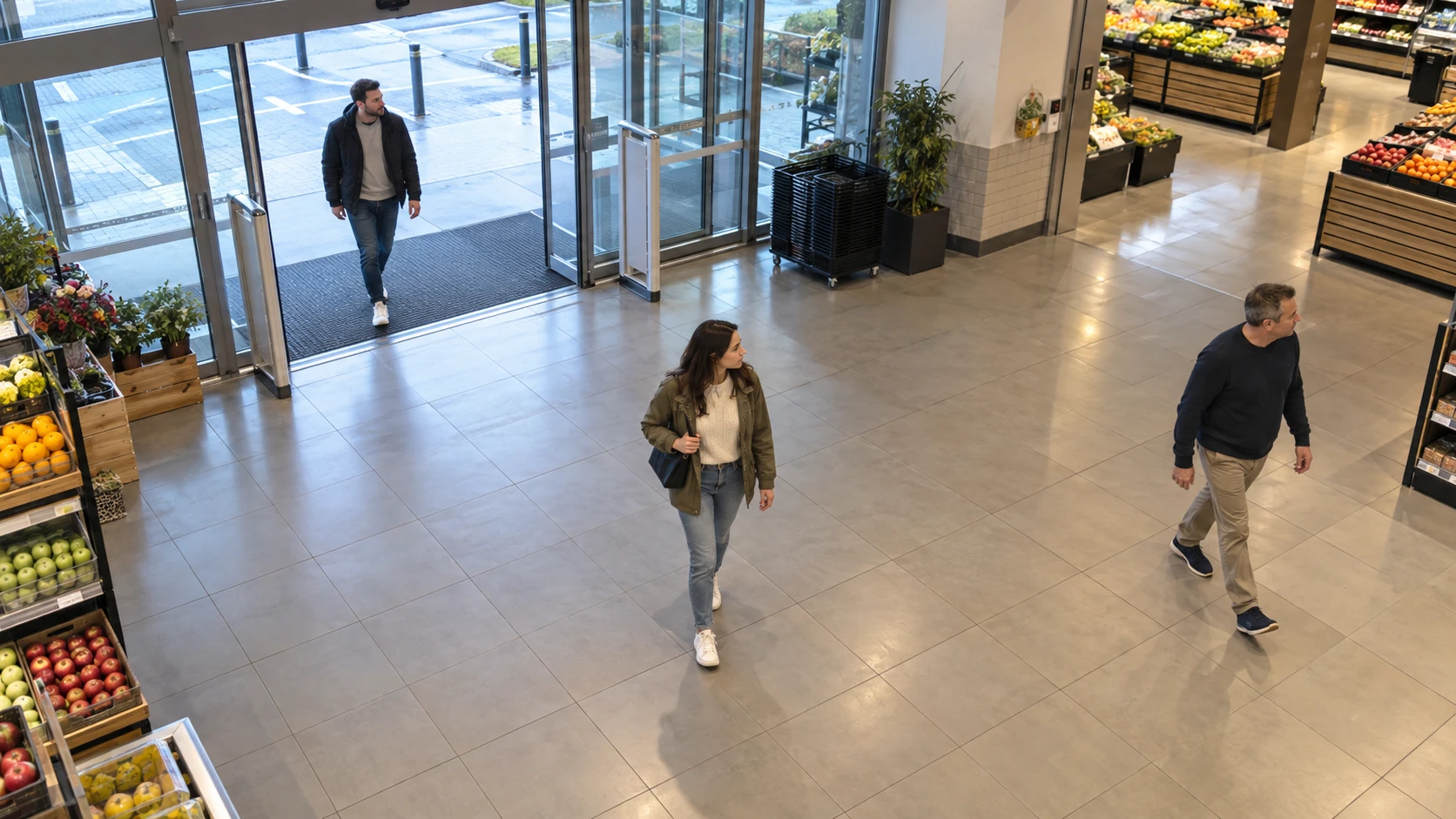
People located in defined zones
Monitor people in selected zones to understand occupancy and queues.
- Define the zone
- Detect people
- Review occupancy
PURPOSE-BUILT CAPABILITIES
What the application does.
Choose the detection settings and events that fit your camera view and operation.
Zone crossings, movement direction and time spent in the monitored area
Configurable people-count and waiting-time thresholds for supported queue workflows
Staff and customer roles inferred from configured zones and tracked movement
Zone overlays, live values and reviewable records
Events for queue, staffing and capacity workflows
HOW IT WORKS
From setup to everyday use.
01
Map the areas that matter
Define waiting, service and staff zones in the camera view and agree what each zone means for your operation.
02
Monitor occupancy and waiting times
Track people entering and leaving the zones. Use counts, direction and supported time values to understand the current situation.
03
Notify the right team
Set useful queue or occupancy thresholds and connect their events to the people who can respond.
Supported cameras and requirements.
- Occupancy Monitor is offered for selected Axis ARTPEC-9 cameras.
- Queue monitoring for ARTPEC-8 is a separate option. Confirm the required functions for your camera before evaluation.
- Ambarella CV25 occupancy and counting profiles can be assessed for a project. Model, firmware and required zone behavior need confirmation before a package is supplied.
- Staff and customer roles are inferred from configured zones and tracked movement. The application does not identify individual employees.
INSTALLATION & SETUP
How to get started.
Choose the space, zones and useful response thresholds.
Confirm the camera profile and install the matching package.
Check counts, waiting conditions and boundary behavior with representative movement.
Verify event delivery to the team responsible for responding.
FAQ
Questions before you start.
Send us your camera model and intended use. We’ll help you check compatibility and plan a trial.
How does it distinguish staff and customer activity?
Roles come from configured zones and the path of a tracked person through those zones. The application does not recognise employees by face, identity or clothing colour.
Can it help monitor a queue?
Yes, with the matching camera and application profile. Define the waiting and service areas, choose the supported count or waiting-time thresholds, then validate the rules with representative movement.
Can one camera cover every layout?
Coverage depends on viewpoint, crowding and occlusion. We assess the layout and validate the required zones before deployment.
Find the right app for your camera.
Tell us about your camera, your environment and the result you need.