
 PERIMETER & SITE SECURITY
peoly Perimeter Guard
Detect movement. Review the incident.
Bring multiple camera streams into one local security workflow. Perimeter Guard combines person detection, configured zones and tripwires, optional PTZ verification and a browser-based operator console on an on-premises NVIDIA Jetson system.
Deployment tailored to your site
NVIDIA · peoly Perimeter Guard
HOW IT WORKS
Person
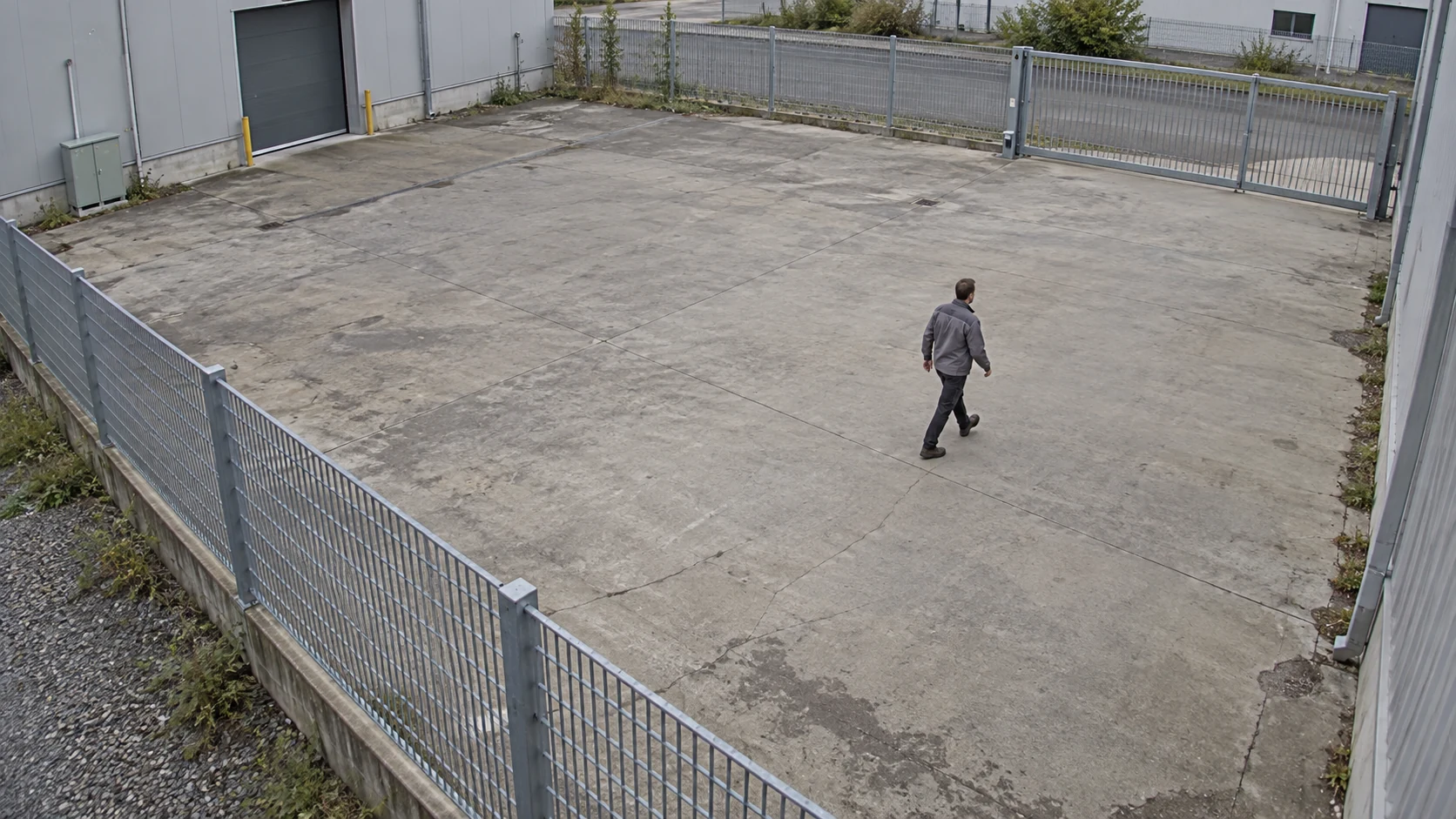
A person in the monitored area
Detect people in a monitored area and give operators a clear view of the event.
- Monitor the zone
- Detect a person
- Review the event
PURPOSE-BUILT CAPABILITIES
What the application does.
Configure monitored zones, alert verification and operator review for your site.
Site-defined zones and tripwire rules
PTZ zoom recheck on supported camera integrations
Local incident snapshots, history and operator review
Schedules, system health monitoring, audit records and CSV export
Optional site map configured for the deployment
HOW IT WORKS
From setup to everyday use.
01
Watch the agreed boundary
Apply zone and tripwire rules to the configured camera streams.
02
Gather context
Use a supported PTZ recheck workflow where the site design calls for a closer view.
03
Review and respond
Present the incident and supporting evidence in the local operator console.
Deployment requirements.
- On-premises NVIDIA Jetson Orin deployment sized for the actual camera workload.
- RTSP streams and camera-specific integration assessment.
- PTZ uses supported Axis integrations with a qualified ONVIF fallback where available.
- Camera count, night performance and event quality must be measured for the site; universal ONVIF compatibility is not assumed.
INSTALLATION & SETUP
How to get started.
Survey the site, camera views, network and response process.
Size the local compute system and validate stream/firmware compatibility.
Configure boundaries, schedules, optional PTZ rechecks and access.
Test representative intrusions, ordinary activity and stream outages before handover.
FAQ
Questions before you start.
Tell us about your site, cameras and operator workflow. We’ll help you plan a demonstration.
Is this an app installed on each camera?
Perimeter Guard runs on an on-premises Jetson system that receives camera streams. It is a different deployment model from the Axis and Hanwha camera apps.
Can it work with every PTZ camera?
PTZ behavior requires a tested integration. We qualify the specific model, firmware, presets and control path.
Where are incidents reviewed?
In the local browser-based operator console, with retention and access configured for the deployment.
Plan your perimeter demonstration.
Start with your site layout, camera system and the events your operators need to review.